Prepare for collection
Review the vehicle details, insurance and service dates before handing it over.

Rental & car sharing
Keep collection and return records, documents and maintenance history with the vehicle rather than scattered across separate folders.
One vehicle free. No credit card required.

A vehicle’s condition matters both when it leaves and when it returns. If the photos, equipment list and previous repair records are kept separately, reviewing a handover takes longer. Melkur gives your team a vehicle-centred record to use alongside your rental booking process.
The daily workflow
Review the vehicle details, insurance and service dates before handing it over.
Record the people handing over and receiving the vehicle, add photos and note the supplied equipment.
Create the return protocol, record condition and attach relevant documents. Keep later service and cost records with the same vehicle.
Inside the CRM
Use photos and an equipment checklist to support a clear condition record.
Upload supported documents to the vehicle record within your package storage allowance.
Review previous work and upcoming deadlines when planning the next vehicle handover.
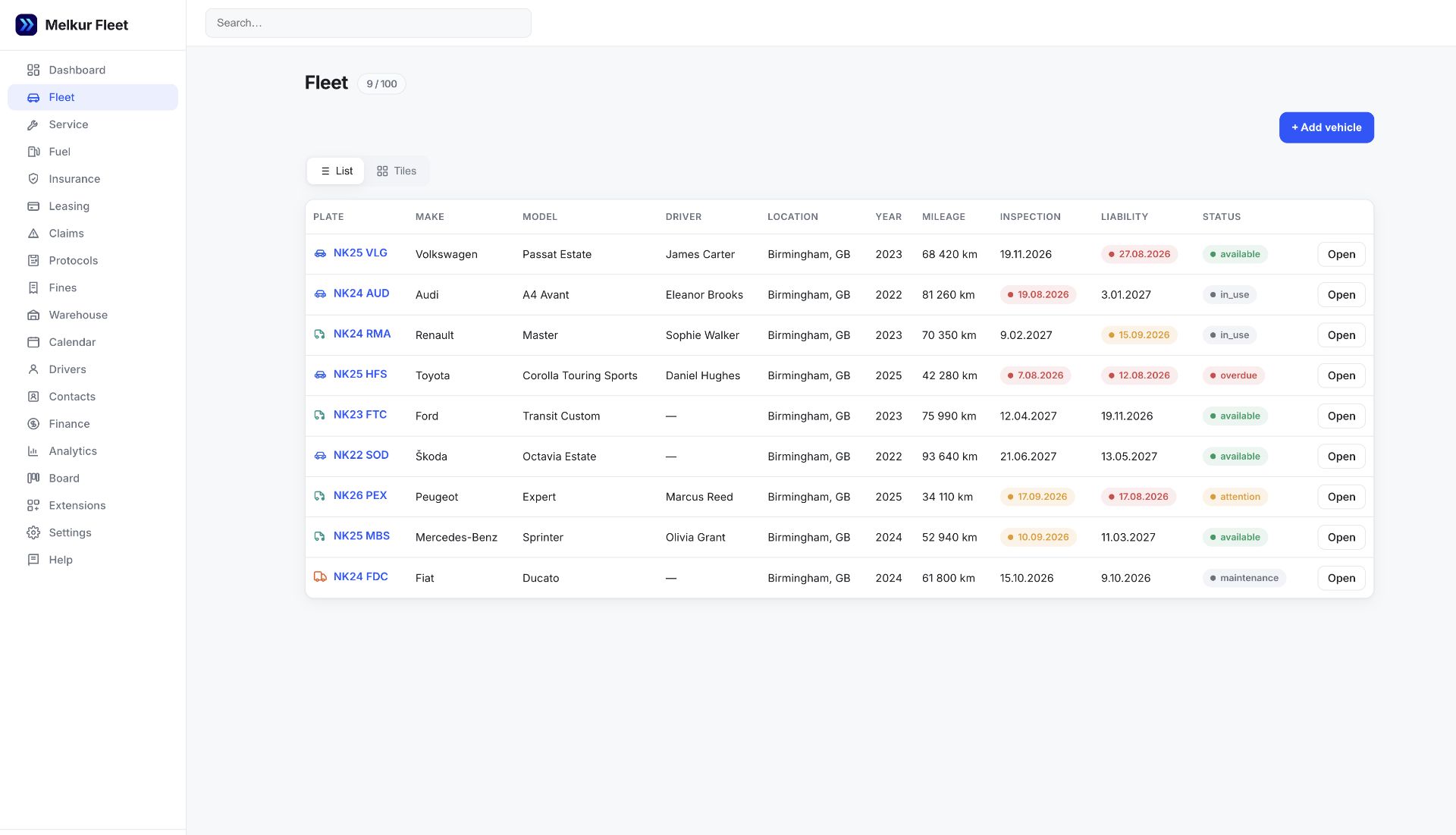
This page covers internal fleet administration. It does not promise a public rental booking engine, automated deposits or remote vehicle unlocking.
You can upload a signed agreement as a supported file, such as PDF. File storage is not the same as an electronic-signature service.
Yes. Photos and vehicle documents use the company’s shared storage allowance. Compare package allowances and available storage extensions in pricing.
Use FREE for one vehicle, or try a paid plan for 30 days without a card. Vehicle, user, storage and feature allowances vary by package.